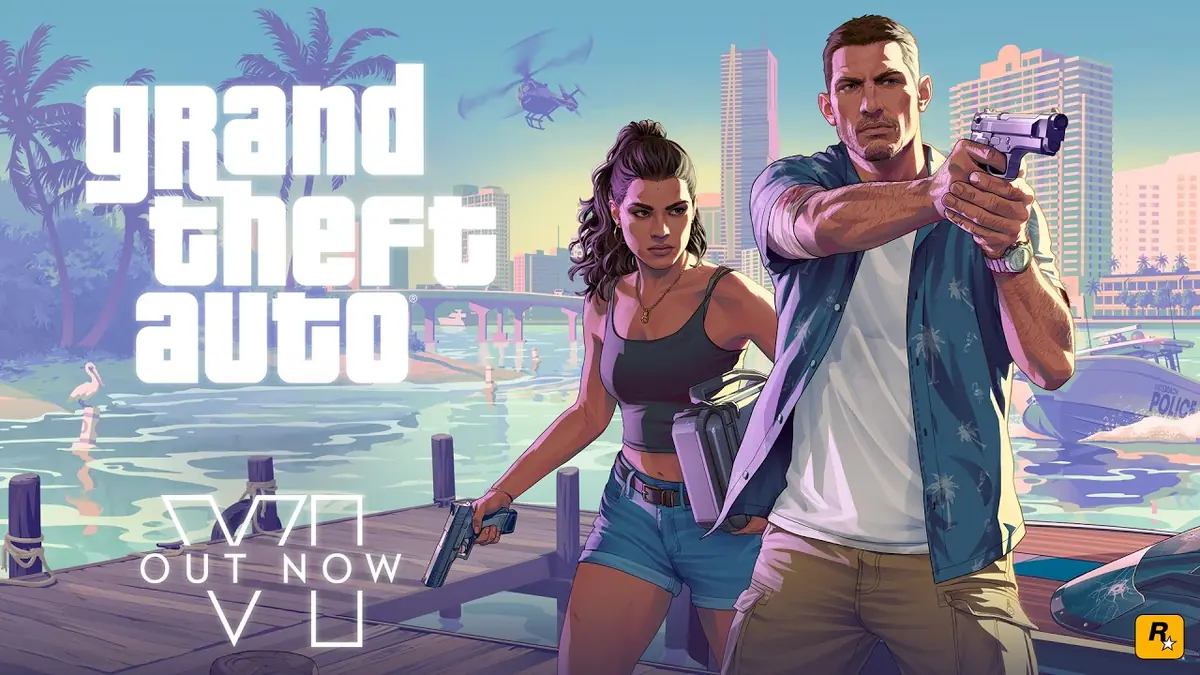
How to Play GTA 6 on Xbox One, Phone or PC: Xbox Cloud Gaming and Remote Play
No Series X|S at hand? Xbox explains how to stream GTA 6 from the cloud to an Xbox One, and how to play it on a phone or PC with Remote Play.
Players For Life newsroom · 2 min read
In short
On Xbox, GTA 6 supports Xbox Cloud Gaming: you can stream it to an Xbox One or an Xbox Series X|S without installing it, with up to 15 hours of cloud play a month on select Game Pass plans. With Remote Play, you can also stream it from your Series X|S to a phone, a PC or an Xbox ROG Ally. In both cases you need a copy of the game bought on the Xbox Store.
Microsoft has published a guide on Xbox Wire to play Grand Theft Auto VI without sitting in front of an Xbox Series X|S. Two options exist: Xbox Cloud Gaming, which streams the game from Microsoft's servers, and Remote Play, which streams it from your own console. In both cases, you need a copy of GTA 6 bought on the Xbox Store.
Xbox Cloud Gaming: GTA 6 on Xbox One
GTA 6 supports Xbox Cloud Gaming, so it can be played even without a current-generation console. The game is streamed to an Xbox One, or to an Xbox Series X|S if you want to save disk space. In the cloud, it uses the Xbox Series S graphics settings. Select Game Pass plans include up to 15 hours of cloud play a month, and Xbox says you can buy more cloud playtime if you need it.
To start a cloud session with the controller connected to your console:
- Press the Xbox button to open the guide, then search for Grand Theft Auto VI.
- Select "Manage", then "See in Microsoft Store".
- On the store page, select "Play With Cloud".
Xbox recommends a wired Ethernet connection when possible: even a fast wireless network can sometimes cause drops in picture and sound quality.
Remote Play: GTA 6 on a phone, PC or ROG Ally
Remote Play streams the game from your Xbox Series X|S to a device you already own. On the console, go to Settings, then Devices & connections, then Remote features, and check "Enable remote features". The "Test remote play" option in the same menu gives an idea of the quality of your connection.
- On a phone: in the browser, go to play.xbox.com/remoteplay, choose your console and select "Remote Play on This Device".
- On a PC or Xbox ROG Ally: open the Xbox PC app, click your profile icon at the top right, go to "Accessories & remote play" and select "Remote play" on the console to play from.
Microsoft's guide only covers Xbox and says nothing about PlayStation 5. On PC, Rockstar still has not announced a version of the game. Everything else about the game is on our Grand Theft Auto VI page.

Frequently asked questions
Can you play GTA 6 on Xbox One?
Yes, through Xbox Cloud Gaming: the game is streamed from the cloud to the Xbox One, using Xbox Series S graphics settings. You need a copy of GTA 6 from the Xbox Store and a Game Pass plan that includes cloud play.
How many hours of cloud play do you get for GTA 6?
Select Game Pass plans include up to 15 hours of cloud play a month, according to Xbox, and you can buy more cloud playtime if needed.
Can you play GTA 6 on a phone or PC?
Yes, with Remote Play from an Xbox Series X|S: on a phone through play.xbox.com/remoteplay in the browser, and on a PC or Xbox ROG Ally through the Xbox PC app. The game still runs on your console.
// The Friday recap